Chrono Warfare Tower Defense Redeem Chrono Warfare Codes
Launch the official place, open the codes menu, and claim rewards without falling for outdated UI advice.
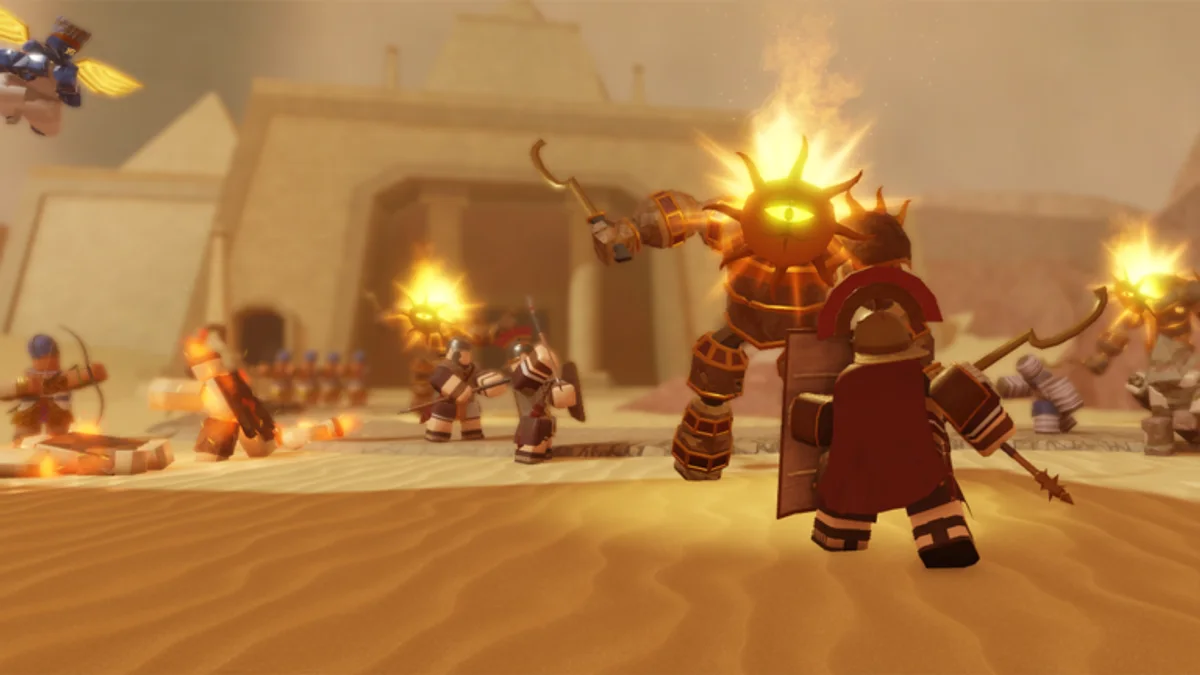
Redeeming promo codes in Chrono Warfare Tower Defense should take less than a minute when a code is actually live. Because BoringGames Studio ships frequent updates while the Roblox listing still marks the experience as in development, menu labels and button locations can move between patches. This guide describes the standard flow players report in 2026 and points you to official sources when something does not match.
Before you redeem
Start on the official place page for Chrono Warfare Tower Defense (117795955884406). Clones and outdated reuploads sometimes circulate in search results; rewards will not apply if you are not in the real experience published by BoringGames Studio. Join a public server—the game supports online multiplayer co-op, and most account-bound rewards sync the same way whether you play solo or with a squad.
Confirm the code itself came from a trusted announcement. Our Codes Hub notes that no verified active codes existed as of August 2026; still, knowing the redemption path saves time the moment BoringGames Studio drops a new string. Cross-check Where to Find Codes if you are unsure whether a post is official.
Redeem UI may still be incomplete
As of August 2026, multiple community trackers report that Chrono Warfare may not expose a finished Codes / Redeem menu in every live build—even though the game itself is released and playable. That matches an unfinished Roblox listing: systems can arrive after launch. If you cannot find a Codes button after a full lobby load:
- Confirm you are on place
117795955884406, not a clone. - Scan settings, shop, and profile clusters again after the next patch timestamp.
- Ask on the official Discord linked from our wiki page whether redeem shipped in the current build.
- Do not trust third-party “generators” that promise codes while the UI is missing.
When the menu appears, use the step-by-step flow below. Until then, progress through Guides rather than waiting on unreleased rewards.
Step-by-step redemption
These steps reflect the common Roblox tower defense pattern Chrono Warfare players describe. If your screen differs after a patch, scan every corner of the lobby UI before assuming a code is dead.
- Launch Chrono Warfare Tower Defense from the official Roblox game page or your favorites list.
- Wait for the lobby to load completely. Redeem menus often appear only after initial assets finish streaming.
- Open the codes interface. Look for a button labeled Codes, Promo, or Redeem—frequently along the top bar, side panel, or settings cluster. Some builds tuck the button near the shop or profile area.
- Type the code exactly as announced. Roblox codes are usually case-sensitive; avoid extra spaces before or after the string.
- Submit and read the confirmation message. Success typically shows a green toast or popup naming the reward. Failures may say invalid, expired, or already redeemed.
- Check your inventory or currency readout. Soft currency may update instantly; items might appear in a units or cosmetics tab. Verify amounts in-game rather than trusting wiki tables—exact payouts change.
Screenshot the confirmation if you plan to report a bug on the BoringGames Studio Discord (linked from our wiki page). Include the code text, timestamp, and whether you were on mobile or PC.
Troubleshooting failed redemptions
| Message | Likely cause | What to try |
|---|---|---|
| Invalid code | Typo, fake code, or wrong game | Re-copy from official post; confirm you are on place 117795955884406 |
| Expired | Time limit reached | Watch Updates and Discord for replacements |
| Already redeemed | One-time per account | No fix—code was claimed earlier |
| Nothing happens | UI lag or patch bug | Rejoin server; retry on a less crowded public instance |
If a code fails but multiple trusted players confirm it works, wait an hour and retry. Roblox occasionally delays new code activation globally. Avoid “code generator” sites—they do not create legitimate strings and may phish login details.
After you claim rewards
Spend currency where it helps your current era push. New players should read How to Play before dumping everything into a single tower line. Compare options on the Tier List Hub and Players Hub—community rankings shift when BoringGames Studio rebalances units.
Codes rarely replace era knowledge. If you are working through Prehistoric Times or Ancient Civilizations (official names) or community routes like Stone Age and Iron Age, prioritize map mechanics over raw currency. Track clears with the Era Checklist tool so you notice which stages still need practice.
Mobile vs PC notes
Both platforms use the same Roblox account wallet, but mobile keyboards make typos more common. Paste codes when possible. On PC, fullscreen mode can hide small redeem buttons—toggle UI scale if you cannot find the menu. Controller support varies; if no cursor appears, switch input mode in Roblox settings before opening the codes panel.
Sharing codes responsibly
When BoringGames Studio publishes a code, share the exact string and source link, not a paraphrase. Mention expiry if the devs provide one. Do not repost codes from Evolution Evade videos—EE is not canon to Chrono Warfare, and those strings will mislead your friends.
Return to the Codes Hub for live status summaries and to Where to Find Codes for announcement channels. When new rewards drop, check Updates for patch context about balance changes that might affect how you spend them.
Frequently Asked Questions
Quick answers for Chrono Warfare Tower Defense players.
Where is the codes button in Chrono Warfare?
It is usually in the lobby UI—often labeled Codes or Redeem near the top bar or shop area. Exact placement can change between updates, so scan the full lobby if you do not see it immediately.
Are Chrono Warfare codes case-sensitive?
Treat them as case-sensitive. Copy and paste from the official announcement when possible to avoid failed redemptions.
Can I redeem codes on mobile?
Yes, using the same Roblox account. Mobile players should paste codes carefully because typos are common on touch keyboards.
Why did my code work for a friend but not for me?
You may have already redeemed it, hit a per-account cap, or joined a non-official place. Confirm you are on the real Chrono Warfare experience and retry on a fresh public server.
Do codes give tower stats or hidden units?
Rewards vary by promotion—often currency or consumables. Verify what you received in-game; do not trust third-party reward tables that list specific tower stats.
What should I do if redemption is broken after an update?
Check Updates and Discord for known issues, rejoin a public server, and report persistent bugs with screenshots to BoringGames Studio.